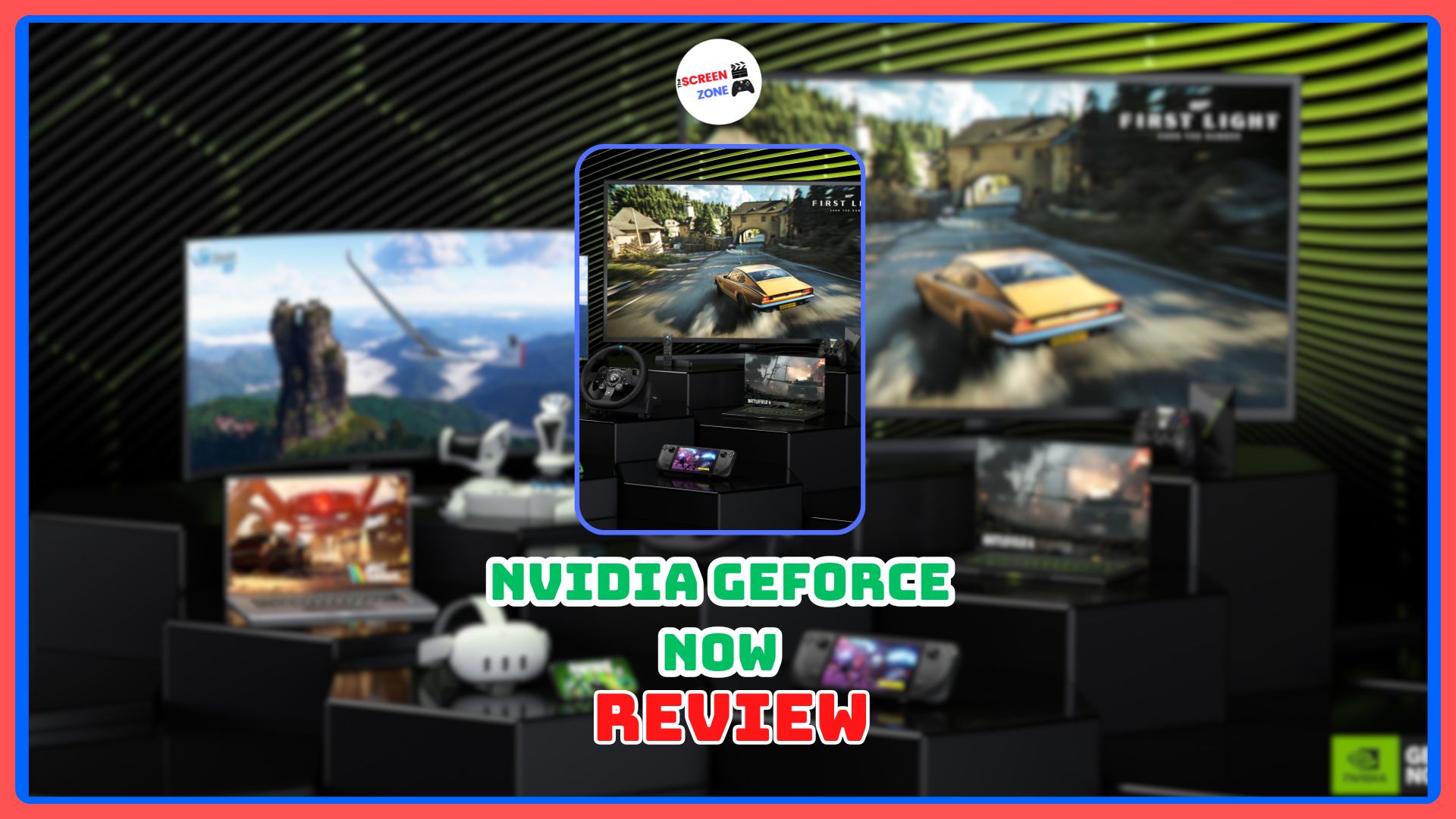

NVIDIA’s GeForce NOW has launched in India, and it’s the best game streaming service in the country by a long way. Sure, it took a little over six years to arrive in the country, and it’s technically in beta, but the wait has been worth it. I’ve been testing GeForce NOW for the past week, and I’m very, very impressed. Suffice to say, my initial impressions at NVIDIA’s media hands-on event weren’t a special case.
If you’d rather watch some gameplay capture of GFN titles running on a variety of devices, check out this week’s Day Zero podcast in the video below.
GeForce NOW India Specs
While it took a long time for the service to debut here, it’s not doing so in a haphazard manner. The GFN servers are utilising the full force of the RTX 5080 SuperPODs, though their full capability will be available to subscribers of the highest tier. The latest SuperPODS also enable users to toggle “Cinematic Quality Streaming”, running games at a 5K resolution paired with a 120Hz refresh rate, with enhanced colour accuracy, higher maximum bitrate and AI filters for sharpness.
On all devices, NVIDIA lets users choose from select presets for performance and resolution, while also giving free rein to dial in those settings yourself on a custom preset. You can lock the resolution to 1440p, with sliders for max bitrate adjustment, refresh rates, and AI-enabled filters to smooth the HUD, turn on Reflex, and enable L4S streaming. L4S, for the uninitiated, stands for “Low Latency, Low Loss, and Scalable Throughput”; it essentially improves network latency and minimises packet loss.
GeForce NOW India Features
I tried GeForce NOW across a variety of devices for this review. This included using the beta app on a Windows 11 PC, a MacBook Pro, and the public-facing app on the Steam Deck and an LG QNED TV. The experience was mostly homogeneous, with certain features like game recording and in-game screenshots locked to higher-end devices with discrete storage, such as the PC and MacBook.
GFN Has Minor Feature Limits
Using said presets, games will launch with NVIDIA-recommended settings, but you can still change most settings in-game and have them persist across the account on various devices. Certain settings will be locked in-game based on the readout from the GeForce NOW app, like resolution and refresh rate. The latter depends upon the display’s capabilities itself, along with whitelisting from NVIDIA.
For example, my LG QNED88T6A has a 4K 120Hz panel, working perfectly with a PS5 or Xbox Series X. However, the GeForce NOW app only lets me pick between a 30fps or 60fps output. Thankfully, HDR works quite well in games, even supporting HDR10+ gaming on appropriate displays, streaming in a high-bitrate AV1 codec. However, the quality of the HDR presentation will depend upon the game’s implementation of it, along with user-end calibration.
You can’t use third-party mods to inject features into a game, so I couldn’t stream Starfield in HDR even though I wanted to. It would’ve been neat to have an NVIDIA filter for RTX HDR, as most PCs with NVIDIA GPUs include it, on the GFN app for the same.
Last year, NVIDIA announced that it would support the Steam Deck OLED’s native 90Hz refresh rate, and I can happily report the same. Combined with the excellent HDR screen on the handheld, while at its 800p resolution doesn’t demand much from NVIDIA’s servers, the streaming experience is absolutely phenomenal on the Deck.
Local Recording Features Are a Win
Once you’ve launched a game, you can record the gameplay locally using a toggle in the GFN overlay, saving the recording in an H.264 file at the resolution the game is streamed at. While playing, you can use a toggle to show important stats such as the ping from the server, in-game frame rate, delivered frame rate, packet loss, bandwidth usage, and more.
Given that the streaming instance is running on a server, you can’t hook up other peripherals, like a third-party mic, to the session. This means that while you can play Counter-Strike with striking headshot-worthy accuracy through cloud streaming, you won’t be able to use your local mic to talk to teammates.
The GeForce NOW servers are located in Mumbai, so users here won’t see their ping jump above 10ms in the worst-case scenario. Reporters trying out the service in other regions like Delhi have told me their ping was hovering around 28-36ms. Combined with NVIDIA’s Reflex technology in the app, input latency is as good as one can expect from a cloud streaming service from one of the world’s most valuable companies.
Those launching a Steam-owned game through GFN will see Steam open up in either its desktop or big picture mode, depending on the client device, with full Steam Input support. Controls for accessing the GFN overlay are intuitive on a controller, but the service doesn’t recognise PlayStation’s DualSense controllers yet. DualSense controllers are recognised as a generic Xbox controller, so you’ll have to contend with navigating in-game menus to correct that. An Xbox controller, for accessing the service on macOS and living room TVs, is the best course of action.
Install-to-Play Extends Game Library
Most games on the service launch instantly, with no extensive load times. However, certain games need to be “installed” on a Steam instance after launching them. Fortunately, the combination of a gigabit connection and compressed game packages on NVIDIA’s SuperPODs makes that a breeze. I installed Witcher 3 on my digital Steam instance in five minutes, downloading a 12GB package from Steam with blazing fast internet on the host side.
Library syncing also works flawlessly, and you can direct GFN to which version of the game you want to access. Accessing Xbox PC games through GFN, which works for titles included in Xbox Game Pass, also works well. I don’t own Starfield directly, but I was able to get it up and running on GeForce NOW, as I am also subscribed to PC Game Pass. It’s leagues above Xbox’s own cloud gaming service, which only runs the Xbox Series S version of the game, even if you own a PC copy through the Microsoft Store.
GeForce NOW India Performance
I've been testing NVIDIA's GeForce Now cloud streaming ahead of today's India beta launch.
— Rahul Majumdar (@darthrahul) April 16, 2026
IMO pricing is decent with 90-day plans:
Performance - INR 999
Ultimate - INR 1,999
200GB storage add-on - INR 299
Free tier TBA, full impressions later today.#GeForceNow #GFN ☁️🎮 pic.twitter.com/2NOlBnLURV
With all that said, how’s the performance? God-tier. Most games will run on either an RTX 5080 or RTX 4080 instance, so you can pretty much max out every setting in every game without breaking a sweat. If sweat is to be broken, turn on DLSS or frame generation in games that support it. You really are controlling the game as if it were running right in front of you on a computer.
While I have a pretty high-end PC, I did grow into the comfort of not having to supercharge my room temperature to that of a coronal mass ejection every time I played Crimson Desert at 4K, max settings with DLAA and ray reconstruction. Every game worked just as well as you’d expect on an RTX 80-class card, with modern features.
The best experience, in contrast, was on the Steam Deck OLED. Combined with its vibrant and accurate HDR display, I played Dying Light: The Beast with new eyes, following a small round of display calibration. GFN also supports non-native and custom resolutions, so I didn’t have to stick with an 800p output on the Steam Deck.
Heck, if you want, you can render the game at 3.5K at a 16:10 aspect ratio, combine it with DLSS performance mode, and downscaled to the Steam Deck for pixel-perfect sharpness with no perceivable input latency. And the best part? My Steam Deck barely ran out of battery. I could play for 4 hours, charge the handheld, and then play for another couple of hours before breaking my streaming session limit.
On the MacBook, opening the GFN app automatically turns on Game Mode, which extends to any other peripherals like AirPods. Streaming in 10-bit HDR on the MacBook works well, and if you think you’re stuck at 60Hz, GFN has a solution to that, too. Connect the laptop to any desktop monitor with a higher refresh rate, and macOS will let you use the full bandwidth of that monitor. From there, launch GFN, and you’ll be able to play games at true 120, 240 or even 360Hz.
On the Ultimate tier, subscribers can play for 8 hours at a time before having to quit a session. The upcoming free tier will cap that to a one-hour session at 1080p with ads, if the service follows the same strategy as the US counterpart. We haven’t been told when that tier will launch, but it’s coming soon.
GeForce NOW India Price & Value
The biggest question in everybody’s mind, leading up to its launch, was how NVIDIA would price the service in India. Games media, like the public, were absolutely clueless about it. Well, NVIDIA has revealed its pricing structure for GeForce NOW, and all things considered, it’s pretty acceptable.
GeForce NOW will be available in India in two tiers, with an add-on pack for extending persistent online storage. Here’s the breakdown:
- GeForce NOW Premium Tier - INR 999/90-days
- GeForce NOW Ultimate Tier - INR 1,999/90-days
- 200GB storage add-on - INR 299/90-days
Compared to competing cloud services like Xbox Cloud Gaming through Game Pass, JioGames and Blacknut, GFN’s highest tier is more expensive. But for that premium, you also get the best experience with full-flexibility of game libraries, in-game settings, and future-proof features as new GPUs are rolled out. Of course, the caveat is that you’ll need to own all of your games across various libraries, instead of relying on a rotating selection of cloud-only games.
Of course, being in the privileged position of owning local hardware, given the current economic crisis, is going to be the best solution. But I’m also aware of gamers in the country who are barely managing to run games above their minimum requirements, holding on to hardware from years past. Owning local hardware can, to an extent, free you from NVIDIA’s eventual decision to push its hideous DLSS 5 filter.
DISCLAIMER: TRIAL SUBSCRIPTION FOR GEFORCE NOW PROVIDED BY NVIDIA FOR REVIEW.
The GeForce NOW beta is live now for Indian users.
Pros
- Streaming quality and latency
- Device and feature support
- Feature parity across libraries and devices
Cons
- Only one server location
- Minor bugs