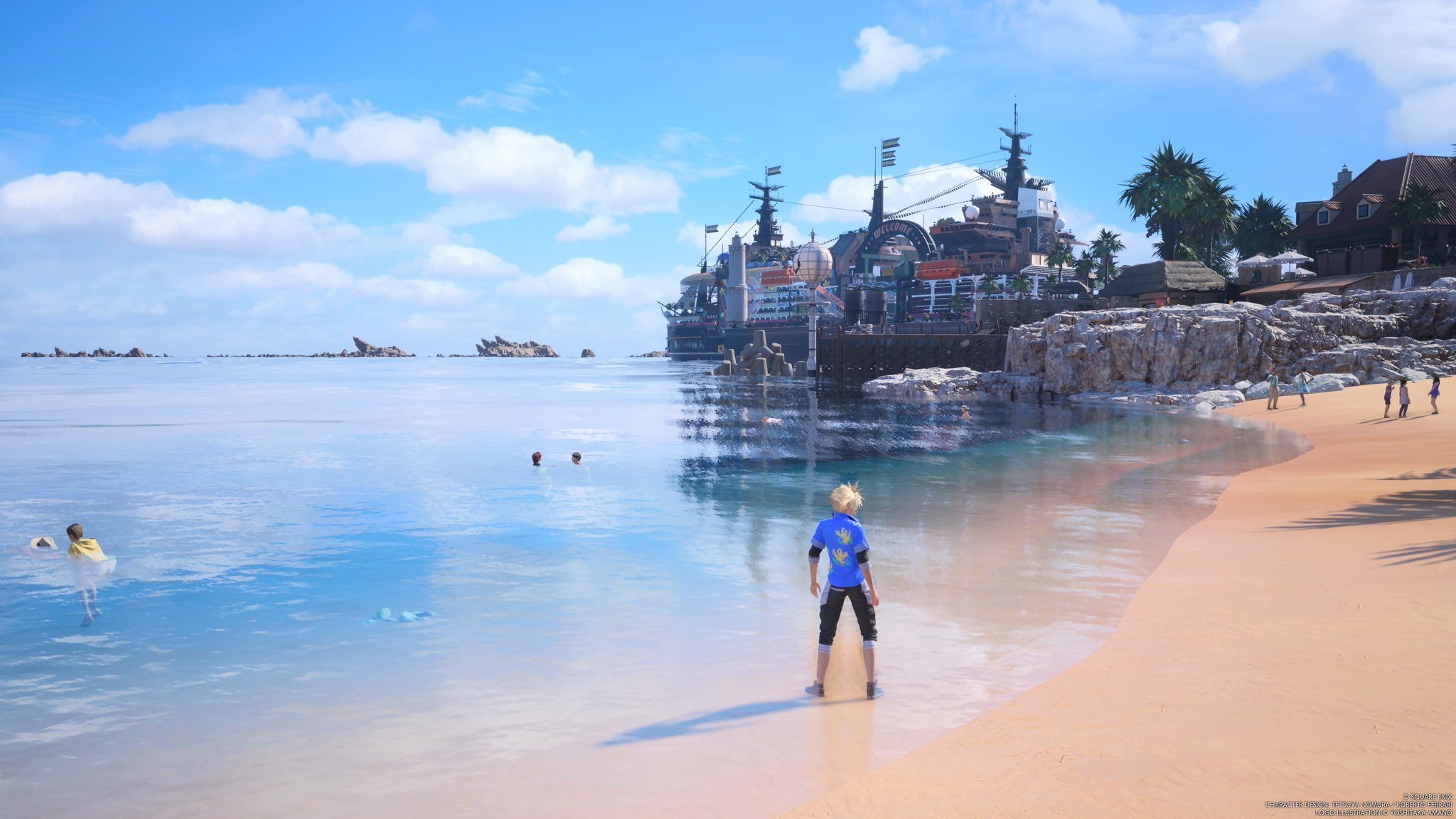

I love Final Fantasy 7 Rebirth, but its original form on PS5 had major technical issues. The PS5 Pro provides a better experience, sharpening the image with improved upscaling in the performance mode, but it’s still far from its ultimate form. That’s what we’re supposed to get with its PC port.
I booted up the PC port with trepidation, as the previous game’s debut on PC had its fair share of issues. Fortunately, Rebirth is a much better experience, with enough options to satisfy PC gamers, though it could still be better.
FF7 Rebirth is one the greatest games I've played.
— Rahul Majumdar (@darthrahul) March 7, 2024
I'm like barely halfway through it but my god.
What a video game. pic.twitter.com/0aKCG0vSfQ
You’re greeted with a familiar screen for shader compilation the first time you boot it, and for the most part, it works. There are still some stutters when traversing the open world, but they’re not immersion-breaking.
We’ll get to the performance, but some decisions still baffle me. Not being able to open the settings menu while in a cutscene is a stupid, console-centric decision that won’t fly with PC gamers. I’d often find myself stuck in a long cutscene with imperfect performance after changing some graphical settings for benchmarking purposes, and not being able to change them right there would be frustrating.
Other than these, the game runs well. Mouse and keyboard support is better than expected, so it’s never awkward controlling Cloud and others using the new input. However, input mapping for mini-games like playing the piano is hilariously complex. Switching characters feels weird using the arrow keys, as does solving puzzles, but such grievances can be remedied by customizing the keyboard mapping in settings.
Fortunately, the game’s performance and image quality are great, leagues above what the PS5 could muster. I played FF7 Rebirth on a PC with the following specs:
- CPU: AMD Ryzen 7 5700X3D
- GPU: Nvidia GeForce RTX 4080
- RAM: 32GB DDR4 3200MHz

Playing on a 1440p monitor, I could run the game above 100fps most of the time with every graphical option set to its highest level. This doesn’t include any upscaling. Turning on DLSS will give you a boost, but there is no option for frame generation, which is the right call. FF7 Rebirth on PC is limited to 120fps, and it’s not too hard to hit that wall with the right options.
The “High” preset turns on DLSS in “Balanced” mode, rendering the game slightly above half the output resolution. At 1440p and 4K, that looks fine, but it’s not ideal for those running a 1080p monitor.
I've been playing Final Fantasy 7 Rebirth on PC for a while, and I present to you the funniest moment I encountered. The moment I knew keyboard+mouse players are rekt xD pic.twitter.com/KQQwjnNB2N
— Rahul Majumdar (@darthrahul) January 22, 2025
Here are the performance benchmarks when exploring the grasslands and Junon across various resolutions:
- 1080p (Ultra settings, DLAA) - 114fps
- 1440p (Ultra settings, DLAA) - 102fps
- 4K (Ultra settings, DLAA) - 70fps
At 4K, going from the lowest to the ultra preset resulted in a 38% performance loss. If you have a GPU that can handle higher resolutions than your monitor, it may be difficult to use that extra power. You can’t change the game’s output resolution in full-screen mode, and you’ll have to change the display resolution in Windows for the game to recognize it.
I set my monitor’s resolution to 4K and changed the game’s scaling to windowed mode, leaving an ugly line on the top and side of the display. Changing that to the full-screen mode would result in the game getting confused about resolutions, so I couldn’t render the game at a higher resolution for increased sharpness without weird artifacts.
FF7 Rebirth is officially Steam Deck verified, and the default performance is acceptable, if not ideal. The game leans heavily on upscaling through TAAU on Valve’s handheld, which turns the game’s visuals into a blurry smear fest when roaming through the wilds.
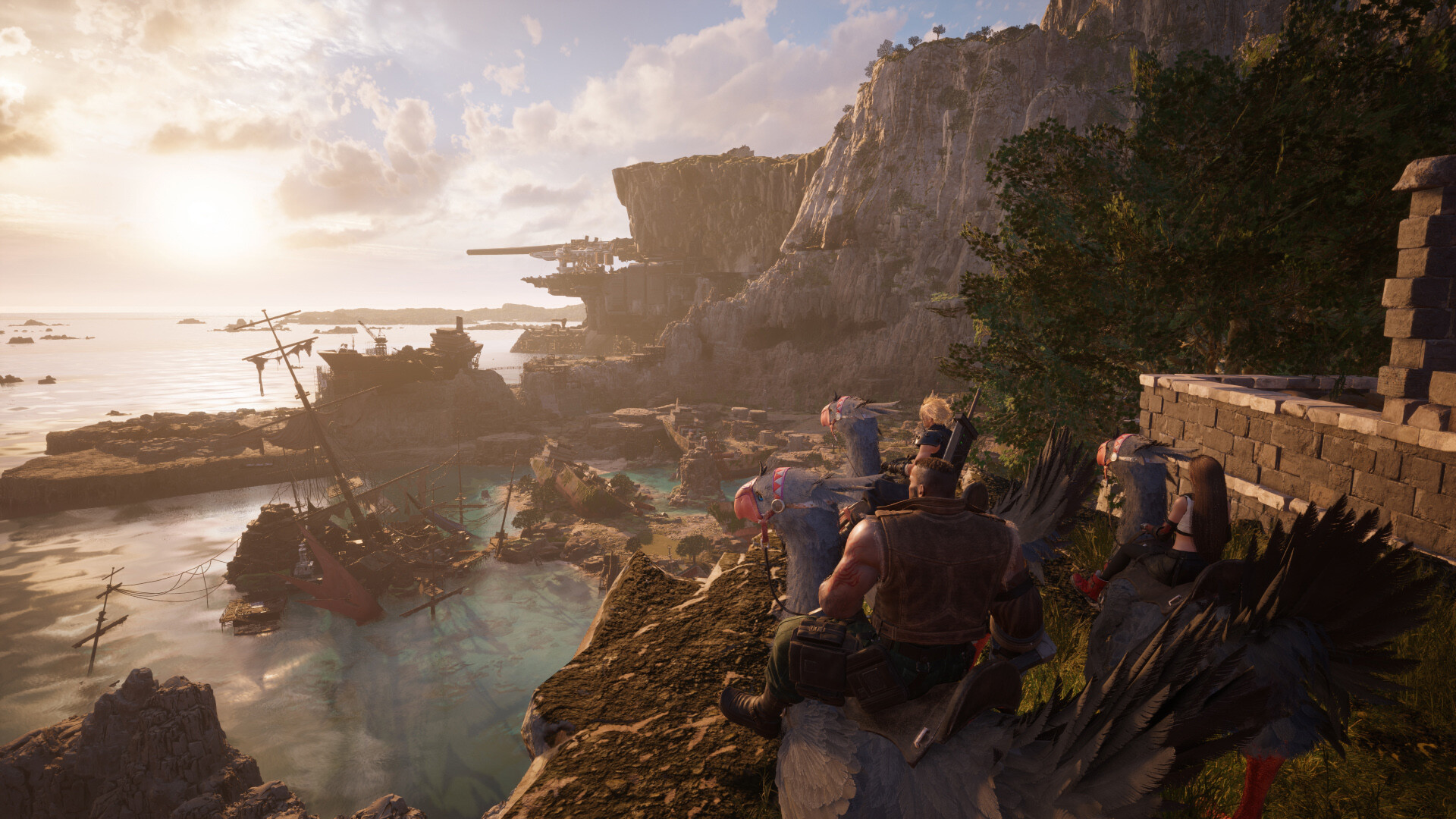
The game’s default settings on Steam Deck are close to optimal. The “Medium” preset hovers around 25fps, getting up to 30 with a few tweaks. The “Low” preset aims for 40fps, though heavy areas like the swamp can drop it to the mid-30s. The ideal solution is to use a mix of settings and target a locked 30/40fps with v-sync.
The inclusion of AMD’s FSR and Intel’s XeSS features for upscaling would’ve been welcome, but Epic’s existing TAAU gets the job done, often better than DLSS. At lower internal resolutions, TAAU results in a sharper image while offering better performance.
At the time of writing, the in-game frame rate lock does not result in evenly paced frame times, so you’ll have to rely on external options like Rivatuner on PC or changing the refresh rate on Steam Deck to get a consistent experience.
The best part of the new port is the potential for all the upcoming mods. All of my complaints can be fixed by the community through mods, although Square Enix should address them directly first.
Overall, Final Fantasy 7 Rebirth looks and runs better than its PS5 counterpart on PC. The amount of options and scalability is enough to satisfy most PC gamers with modern hardware, and certain quirks can be fixed with quick updates.
This review first appeared on Video Games on SI on January 22, 2024. and was produced in partnership with GLHF. The story has been republished on The Screen Zone to preserve it, as the original website is no longer active.